ShareFlow
Privacy-first file transfer, 39+ utilities and a digital store — all on the edge.
- Role
- Solo full-stack developer & designer
- Stack
- 11 tools
- Live at
- shareflow.mhr3d.online
Overview
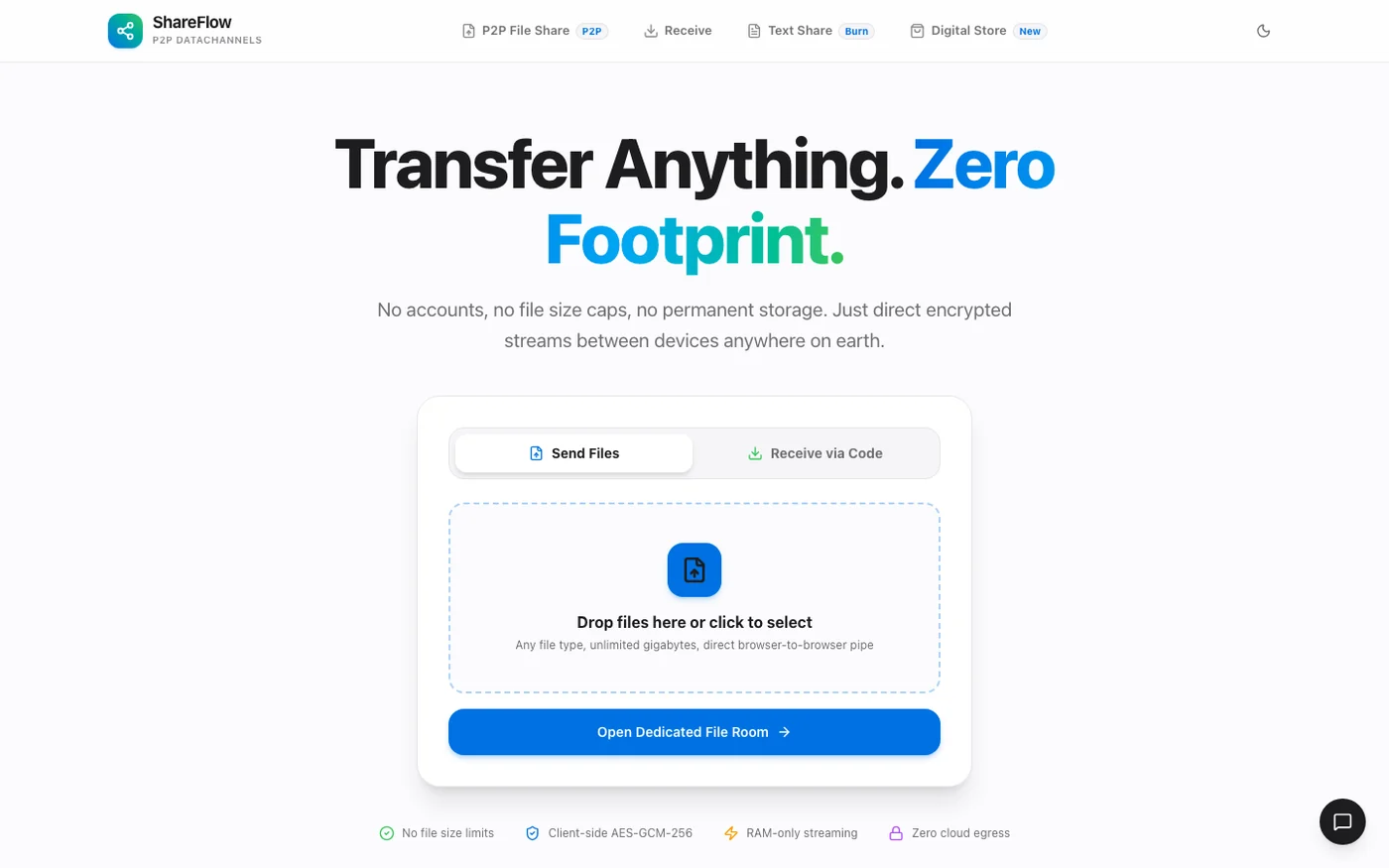
ShareFlow is a zero-login file and secret-sharing platform built around a simple promise: your file should reach the other person without taking up permanent residence on someone else's server. It combines direct browser-to-browser transfer over WebRTC with ephemeral text sharing, a suite of 39+ developer utilities, and a small digital store — all shipped on Cloudflare's edge.
The problem
Most file-transfer tools trade privacy for convenience. You create an account, upload a file, wait for a server to process it, and hope the link expires when it says it will. ShareFlow explores the opposite shape: open the page, send the file, and keep the bytes between the two browsers whenever that is possible.
What I built
The product, piece by piece.
- 01
Direct browser-to-browser transfer
WebRTC data channels move files between peers without a permanent copy being stored. A self-hosted signalling layer handles the handshake.
- 02
Links for when P2P is not enough
Optional cloud-backed sharing uses Cloudflare R2, Supabase and Upstash Redis so a transfer can survive a closed tab or a restrictive network.
- 03
Self-destructing text shares
Code snippets, credentials and notes can be shared with view limits and expiry timers instead of being left in a chat history.
- 04
39+ developer utilities
JSON formatting, JWT decoding, regex testing, Base64, UUIDs, image compression, PDF merging and more, grouped into one consistent tool surface.
- 05
A store with an honest unlock loop
Rewarded-ad steps mint one-time 100% off coupons for starter kits and datasets, with the product catalogue living alongside the utilities.
The hard parts
Challenges & decisions.
Signalling without a room server
WebRTC needs the two peers to exchange offer, answer and ICE candidates before the data channel exists. I built the signalling flow on edge functions and designed explicit waiting, failure and retry states so a blocked connection never looks like a frozen page.
Large files in a browser tab
A browser cannot buffer an unlimited file in memory. The transfer flow chunks data, surfaces progress and supports cancellation, while keeping the UI responsive. The fallback path to object storage has to preserve the same clarity about where a file actually is.
One voice across 39 tools
A utility suite can easily become a pile of unrelated pages. Each tool shares the same layout, input states, copy actions, empty states and dark/light tokens, with route-level splitting so the home page does not carry the whole suite.
Privacy claims that match the architecture
P2P and cloud storage have different privacy properties. The interface makes that distinction visible instead of hiding it behind a single 'secure' badge, so users know whether a file is travelling directly or being retained.
What's next
Potential improvements.
- Add a TURN relay fallback for symmetric NATs and restrictive corporate networks.
- Introduce resumable transfers and an opt-in, locally stored transfer history.
- Cover the signalling state machine and tool routes with end-to-end tests.
- Run a full accessibility and performance audit across all 39 tools.
- Turn the most-used utilities into an installable PWA with offline support.
- Add observability for transfer failures without collecting file contents.